

Resource Profile:
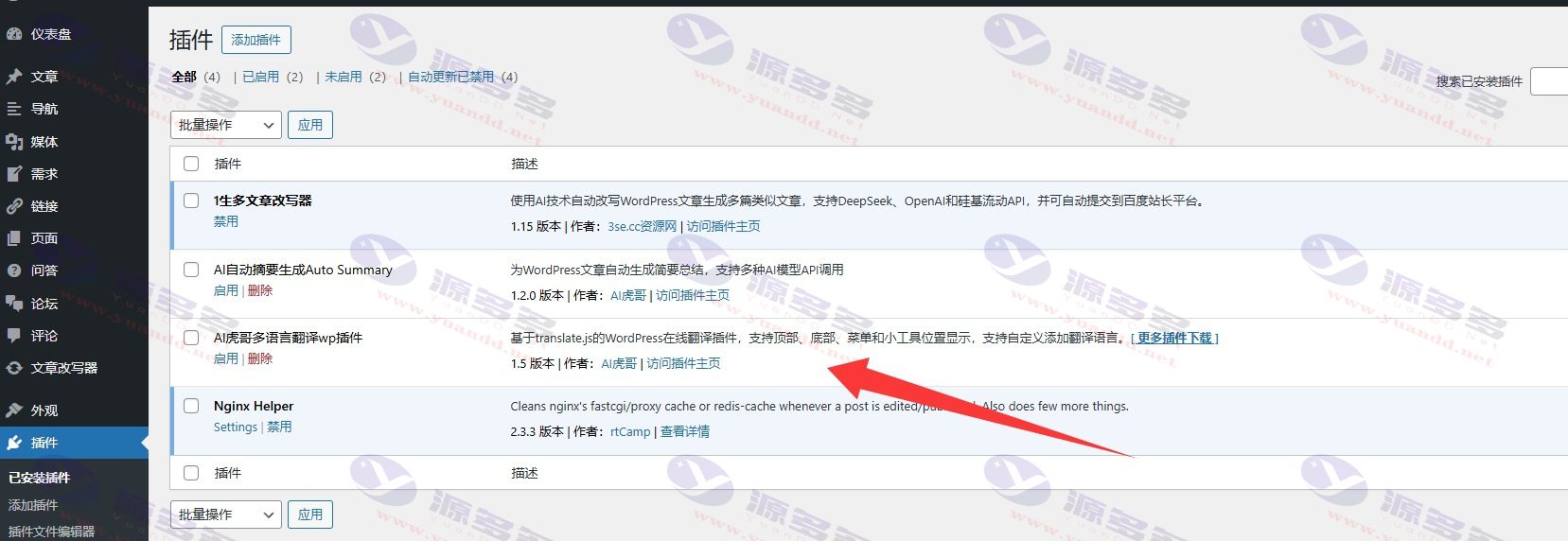
This plugin is developed based on the Translate translation service, and is a specialized WordPress automaticWeb TranslationTools byAI TigerOptimized and repaired several detail issues, the core function relies on the official translation engine, combined with the locally optimized JavaScript version, making the overall performance more stable and loading more efficient.
This plug-in is excellent in many multi-language solutions, compared with some of the market need to pay for the interface or difficult to apply for overseas translation API, this plug-in uses open source base code to optimize, with strong adaptability and user experience.
The main functional features are listed below:
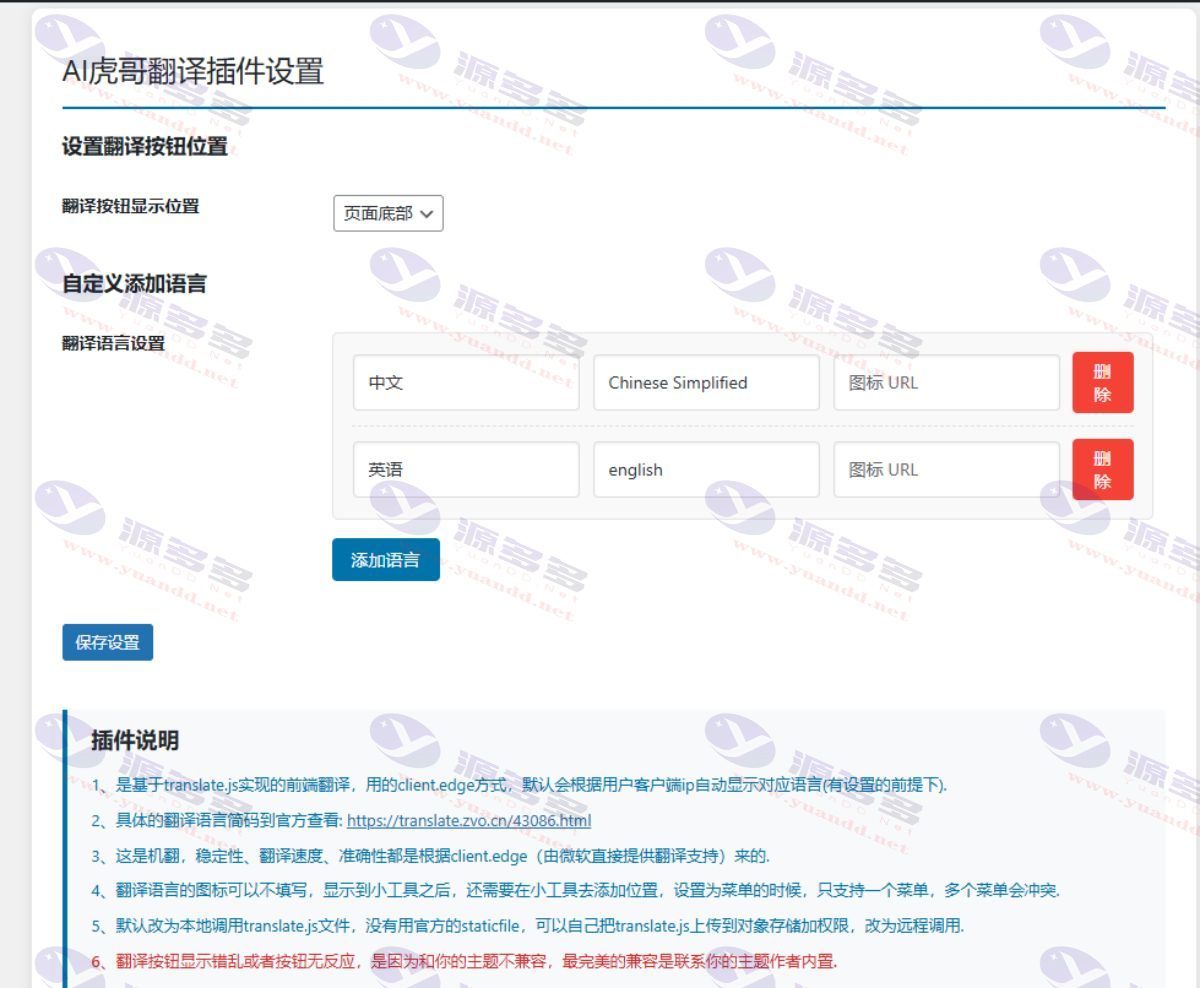
- Supports setting the display position of the translation button, either at the top of the page, at the bottom, in the menu bar or in the sidebar tool area.
- If you choose the sidebar display translation feature, you need to go to the WordPress backend widget settings to add it manually.
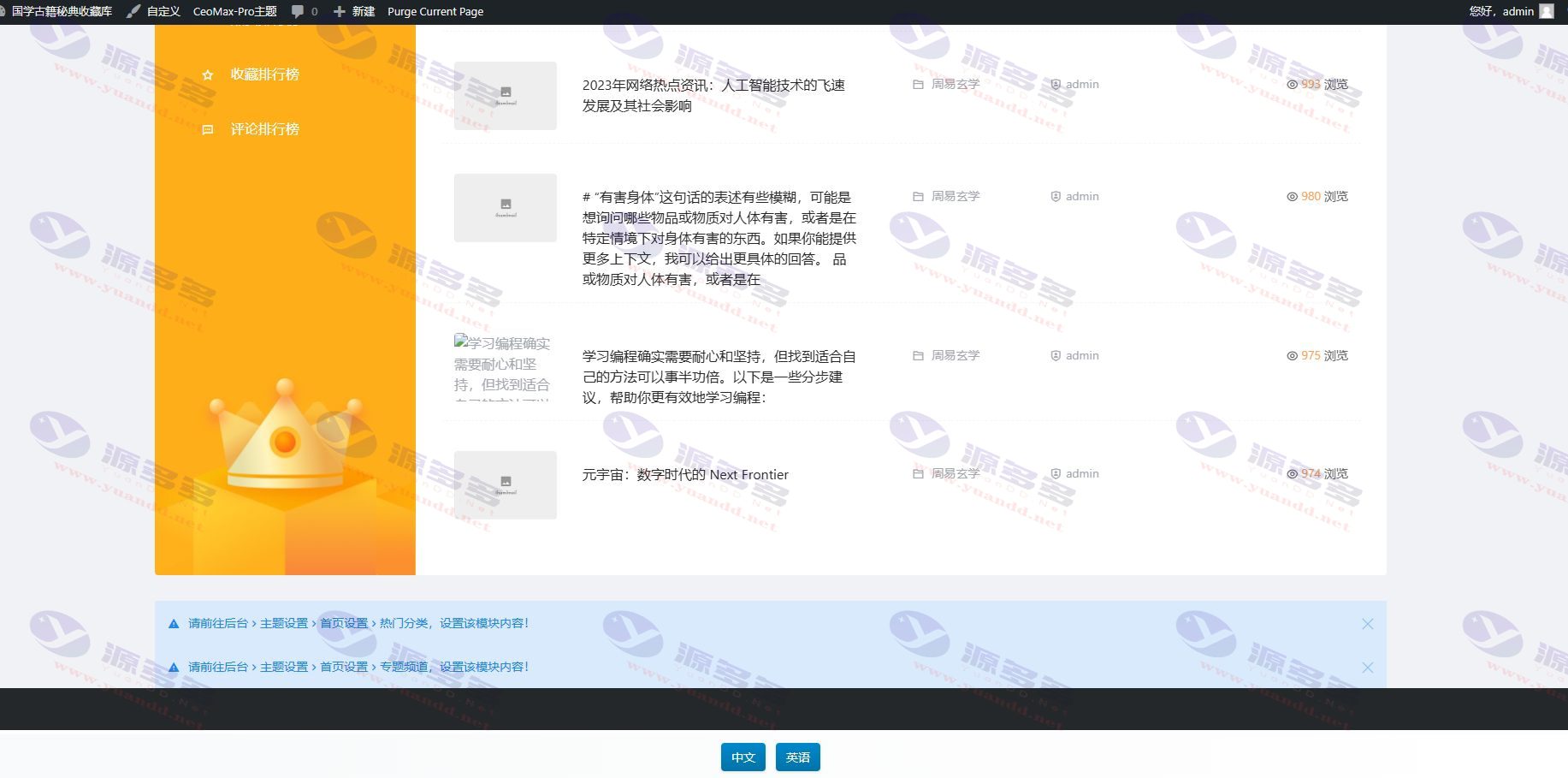
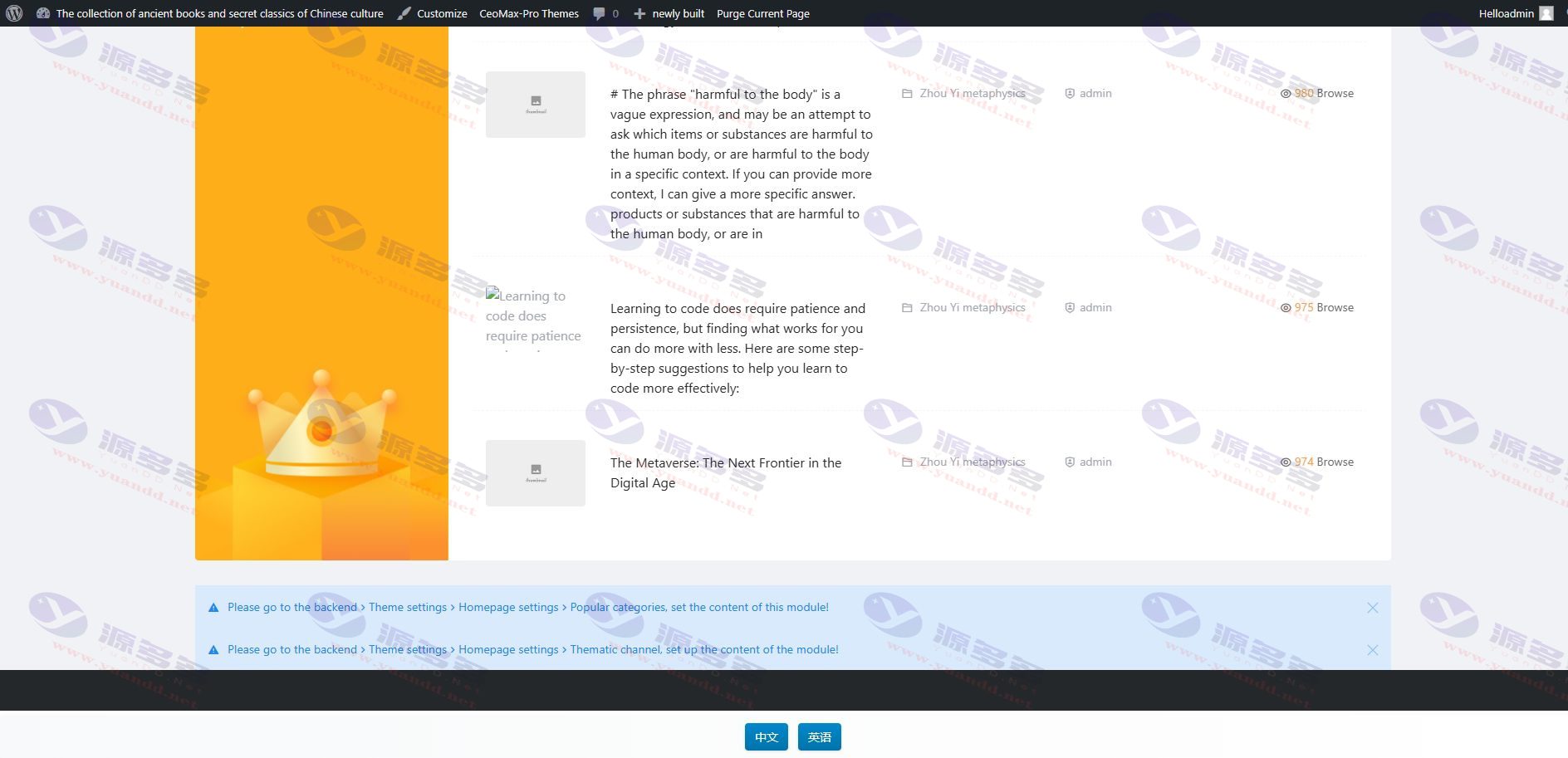
- The top and bottom layouts will show the language selection buttons directly; the menu bar and widgets will bring up the language selection screen by clicking the ”Language” button.
- Support for customized language lists, icons non-required items, and flexibility.
- Default local load translate.js file , not using the official staticfile resources , also supports uploading to the object store to achieve remote invocation .
- Languages can be automatically matched based on visitor IP (provided that language options have been configured), and translation accuracy is claimed to be up to 96%.
Additional Notes:
The stability, responsiveness and translation quality of the plugin depend on the Translate engine. The current version uses client.edge, which is officially supported by Microsoft.
If you encounter button display abnormality or unresponsive and so on, most likely due to theme compatibility issues, it is recommended to contact the theme developer to integrate the plugin into the theme framework to ensure compatibility.
How to change translate.js to remote call method?
- Upload translate.js to your own object store (or find out if a third-party CDN repository is already hosting the file);
- Get the remote link address of the file;
- Open the plugin source code, locate line 158, and fill in that remote link to replace the original comment section;
- Comment out the local call code at line 159 and save it;
- If you use object storage, be sure to configure access rights to allow only this site to call and prohibit direct access to the public network.
Common language code abbreviations: Simplified Chinese: chinese_simplified, Traditional Chinese: chinese_traditional, English: english, Korean: korean, Japanese: japanese, French: french, German: Deutsch, Italian: italian.
Photo Gallery:



- Can free downloads or VIP member-only resources be commercialized directly?
- The resources on this site are collected and organized through the network, for personal research and study purposes only. The copyright belongs to the legal owner of the software and program code, users should verify the copyright and legality of the resources, prohibited for commercial use, illegal activities or any violation of national laws and regulations.
- Disclaimer of liability for program or code bugs, compatibility issues or functional defects, etc.
- As the resources on this site are collected and organized through the network, not the site's original, it can not fully guarantee its functionality or code compatibility. Users need to verify whether the resources meet the needs of their own, due to the following circumstances lead to losses, this site does not assume any responsibility:
Programs, source code and other computer software resources may contain code vulnerabilities (bugs), compatibility issues or functional defects left by the developer. This site does not provide free repair services for such technical defects, users need to bear the risk of debugging, modification or abandonment of the use.