

Resource Profile:
InnoDrive is a powerful Python 3 program designed to provide users with a series of practical functions such as multi-network drive mounting, online viewing, online uploading, downloading, multi-network drive synchronization, master-slave synchronization, online sharing, folder permission management and so on. In addition, it also supports member function, hierarchy, pay-per-view, password-view, payment module, theme switching and very fast cache.
Although the project has just been released less than a month ago, users may experience some problems with the experience. However, the author is an aspiring developer and will maintain and update the project for a long time to keep improving the user experience. Here are the main features of the tool:
InnoDrive PHP version (InnoDriveP): InnoDriveP is the PHP version of InnoDrive, which maintains the same UI style as the original version, while the code is streamlined and the framework is extensible.
Update Cache Tip: Please note that due to MySQL's performance limitations, updating the cache is done in a single thread. It may take some time especially if there are a lot of files. Also, a similar bottleneck exists since PHP itself only supports single-threading.
Installation Requirements:
For InnoDrive to work properly, you need to make sure that the PHP version is not lower than 7.1.3 and that the following extensions are installed:
OpenSSL PHP Extension
PDO PHP Extension
Mbstring PHP extension
Tokenizer PHP extension
XML PHP Extension
Ctype PHP Extension
JSON PHP Extension
BCMath PHP Extension
Installation Steps:
Access to the backend: You can access the backend through the domain name /admin/login, the default account password is admin.
Database setup: Please import the root directory install. This is a temporary solution.
Adding a Web Drive: First, you need to add your web drive and update the cache.
Setting up the home page: After setting up, refresh the page. If the cache is large, it means the update is successful. If there are more files, please wait for a moment.
Photo Gallery:
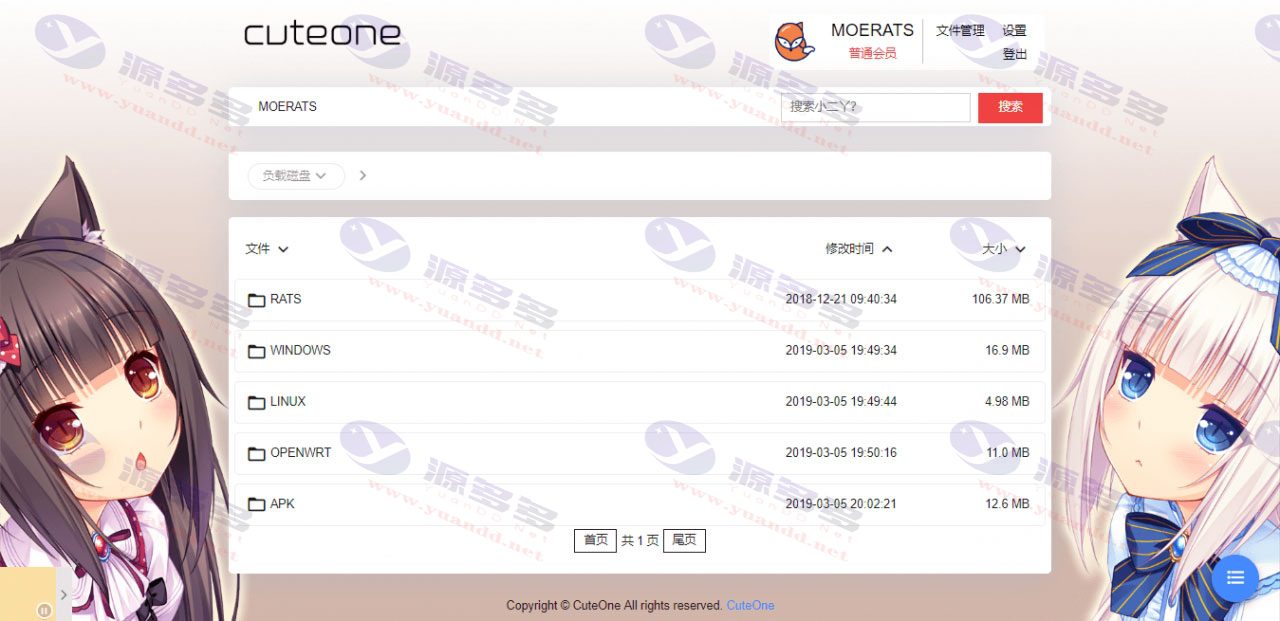
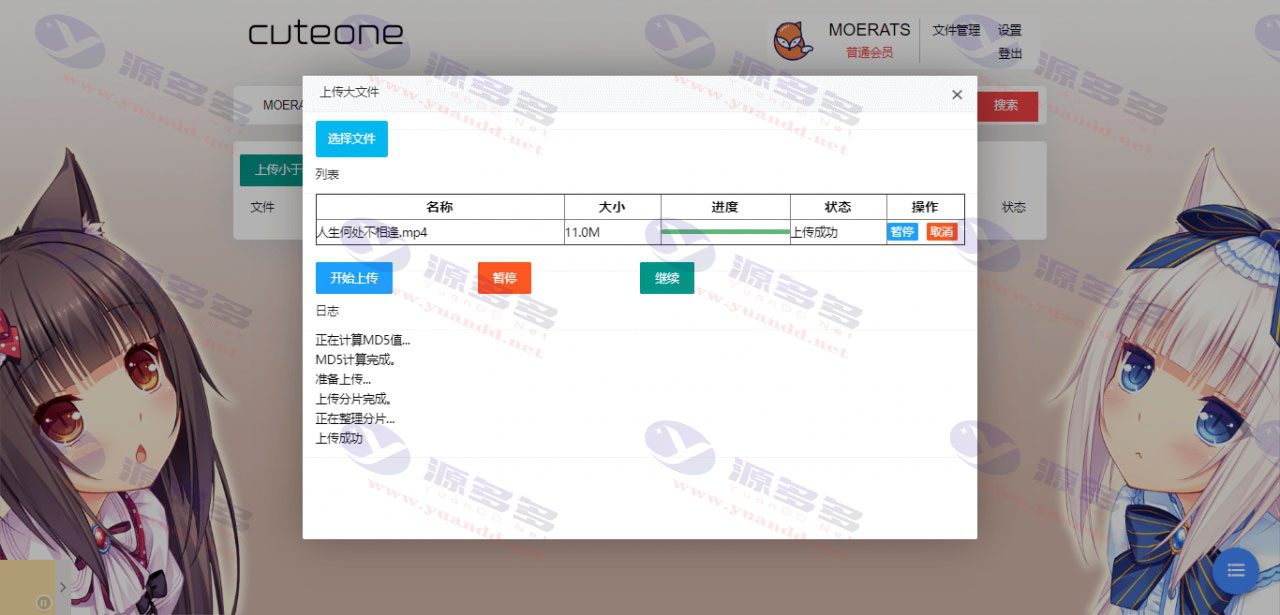
Installation and usage instructions:
For web hosting users, the Apache architecture is configured as follows, I don't know for Nginx
Create a .htaccess file in the root directory with the following contents:
RewriteEngine on
RewriteCond %{REQUEST_URI} ! ^public
RewriteRule ^(. *)$ public/$1 [L]
If you are a VPS user, you can directly modify the website running directory to public.
Modify the database connection in the root .env directory:
DB_CONNECTION=mysql
DB_HOST=127.0.0.1 Database Address
DB_PORT=3306 Database port
DB_DATABASE=cuteonep Database Name
DB_USERNAME=root Database account number
DB_PASSWORD=root Database password
The backstage address is:
Domain name/admin/login
Default password admin
The default database file is install.sql in the root directory directly into the database, temporarily first;
Then still first add the netbook, update the cache and set up the homepage.
Just update the cache by tapping on it, then refresh the page, if there is a cache amount it is a normal update;
You've got a lot of paperwork, so you wait a little longer;


- Can free downloads or VIP member-only resources be commercialized directly?
- The resources on this site are collected and organized through the network, for personal research and study purposes only. The copyright belongs to the legal owner of the software and program code, users should verify the copyright and legality of the resources, prohibited for commercial use, illegal activities or any violation of national laws and regulations.
- Disclaimer of liability for program or code bugs, compatibility issues or functional defects, etc.
- As the resources on this site are collected and organized through the network, not the site's original, it can not fully guarantee its functionality or code compatibility. Users need to verify whether the resources meet the needs of their own, due to the following circumstances lead to losses, this site does not assume any responsibility:
Programs, source code and other computer software resources may contain code vulnerabilities (bugs), compatibility issues or functional defects left by the developer. This site does not provide free repair services for such technical defects, users need to bear the risk of debugging, modification or abandonment of the use.