

Resource Profile:
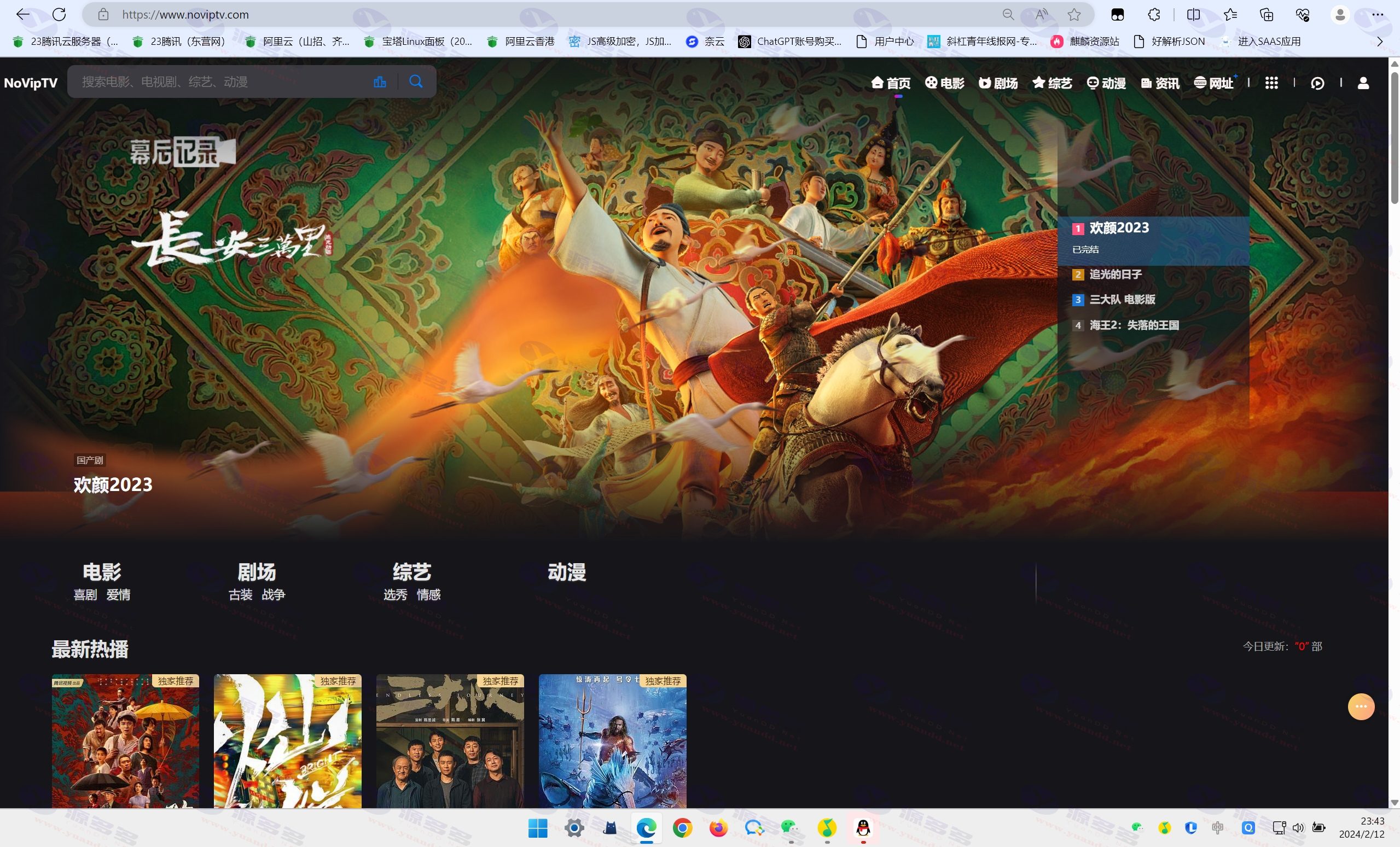
The latest version 10.8 of MXoneV10 was released on March 11, 2023, and this update covers the following:
Installation tutorials and other guidance have been added to provide users with more convenient operating instructions. Existing users do not need to re-download, and the update does not affect previous versions.
Fixed a small bug, resolved an issue where public libraries were not working, as well as resolved a situation where downloads failed in some areas of the netbook.
Added a new site-wide CDN accelerated public library with byte hopping engine, which can effectively improve the loading speed of the website. Users can flexibly turn this feature on or off in the background.
New Now Playing button is added to the detail page, which is displayed according to the sorting priority of the CMS background player to make the user experience smoother.
Added the default picture without picture function, when the video picture fails to load or there is no picture, the default display picture will be shown, which improves the page aesthetics.
Added the World Cup time schedule function to the home page and category pages, which users can turn on in the background global settings, adding practicality and interest to the site.
Optimized the download page title as empty to improve the SEO optimization of the template.
Optimized the play page, fixed the problem of not seeing it in light color mode, and solved the bug that the pop-up announcement only popped up once.
Redundancy reduction of code and removal of some extraneous code have been carried out to improve the stability and performance performance of the template.
These are the updates of the latest version of MXoneV10 template, which is dedicated to providing users with more quality website building solutions.
Photo Gallery:
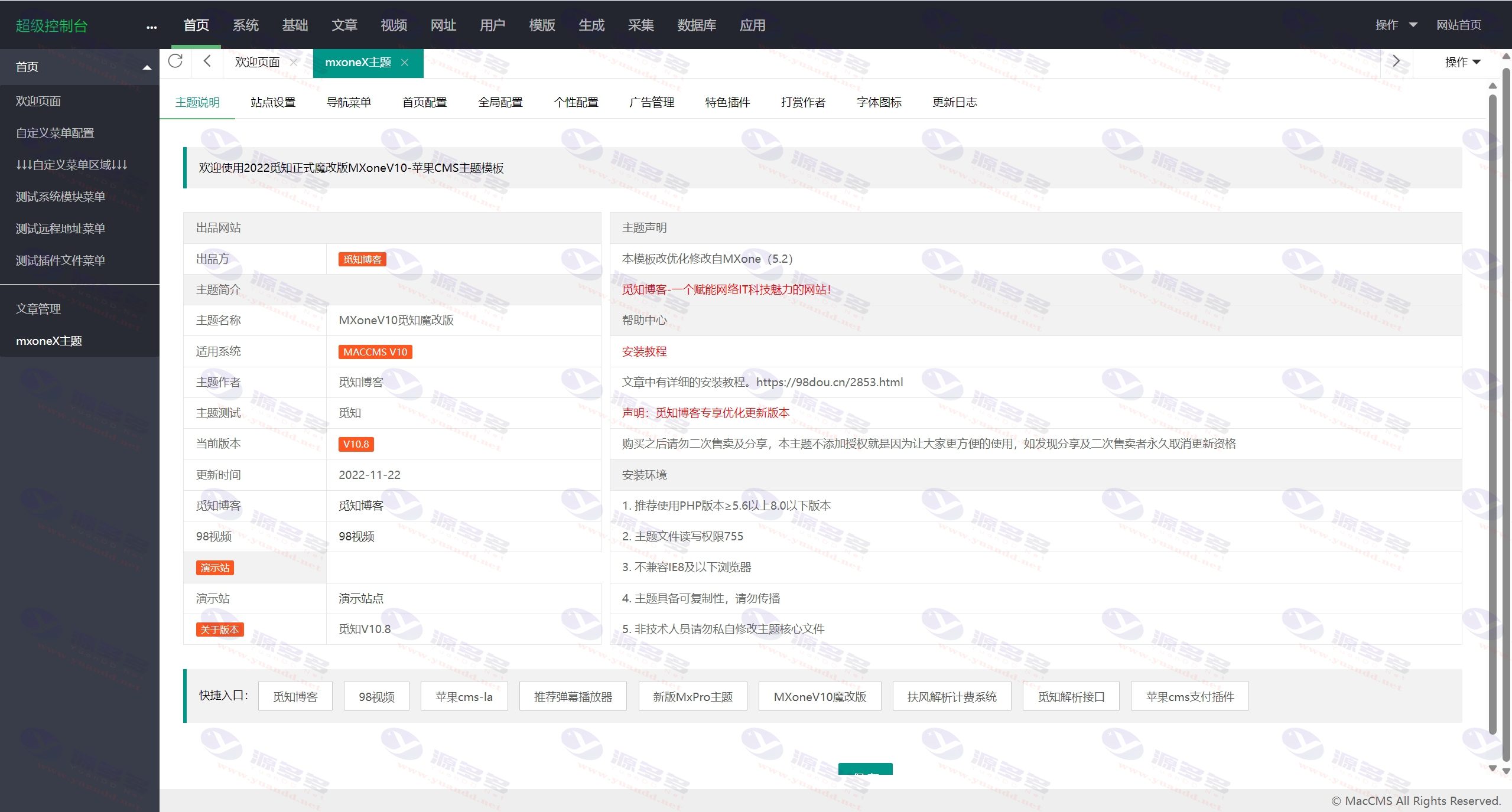
Installation and usage instructions:
Installation template tutorial instructions:
1, the template compressed package uploaded to the apple cms program / template under the decompression
2,Website TemplatesSelect the mxone template directory to fill in the html
3, site template selection must first visit the foreground, and then enter the background settings
4, the theme background address: apple cms background click, custom menu configuration
mxoneX theme,/admin.php/admin/mxone/mxoneset
admin.php to xxx.php for your login backend
5、Home page 4K area set video recommendation 4
6, the home page of the latest hit on the left side of the additional recommended movie name: video recommendation 5
7、Home page poster slideshow style, closed by default, if you need to open, enter the mxone background - home page configuration - home page slideshow will [show] button to open the video recommended 9
8、2022-8-15 New categorized page posters, the default is to take your home page recommended 9 classified posters, such as the need to set up a separate classification poster, video recommendations 8
---------- ---------- Split Line --------- ---------- ----
Tutorial instructions for upgrading the MXoneV10 Magic Mod:
For those who have previously used, Mxone 5.1 and 5.1 versions
Caveats:
1, you must delete these three files can be upgraded successfully, otherwise it can not take effect
2. application/admin/controller/Mxone.php
3. application/admin/view/system/mxcms.html
4. application/extra/mxonest.php
5. Delete the old mxone theme in the /template directory, and choose any default theme to apply it.
6, and then upload the new version of the magic modified version of the MXoneV10 theme program to the /template directory
7, site template selection must first visit the foreground, and then enter the background settings
PS: Or use Pagoda to search for mx in the application directory to show the three files and delete them.
After successful deletion first apply the theme to open the frontend and then click on the backend.


- Can free downloads or VIP member-only resources be commercialized directly?
- The resources on this site are collected and organized through the network, for personal research and study purposes only. The copyright belongs to the legal owner of the software and program code, users should verify the copyright and legality of the resources, prohibited for commercial use, illegal activities or any violation of national laws and regulations.
- Disclaimer of liability for program or code bugs, compatibility issues or functional defects, etc.
- As the resources on this site are collected and organized through the network, not the site's original, it can not fully guarantee its functionality or code compatibility. Users need to verify whether the resources meet the needs of their own, due to the following circumstances lead to losses, this site does not assume any responsibility:
Programs, source code and other computer software resources may contain code vulnerabilities (bugs), compatibility issues or functional defects left by the developer. This site does not provide free repair services for such technical defects, users need to bear the risk of debugging, modification or abandonment of the use.