

Resource Profile:
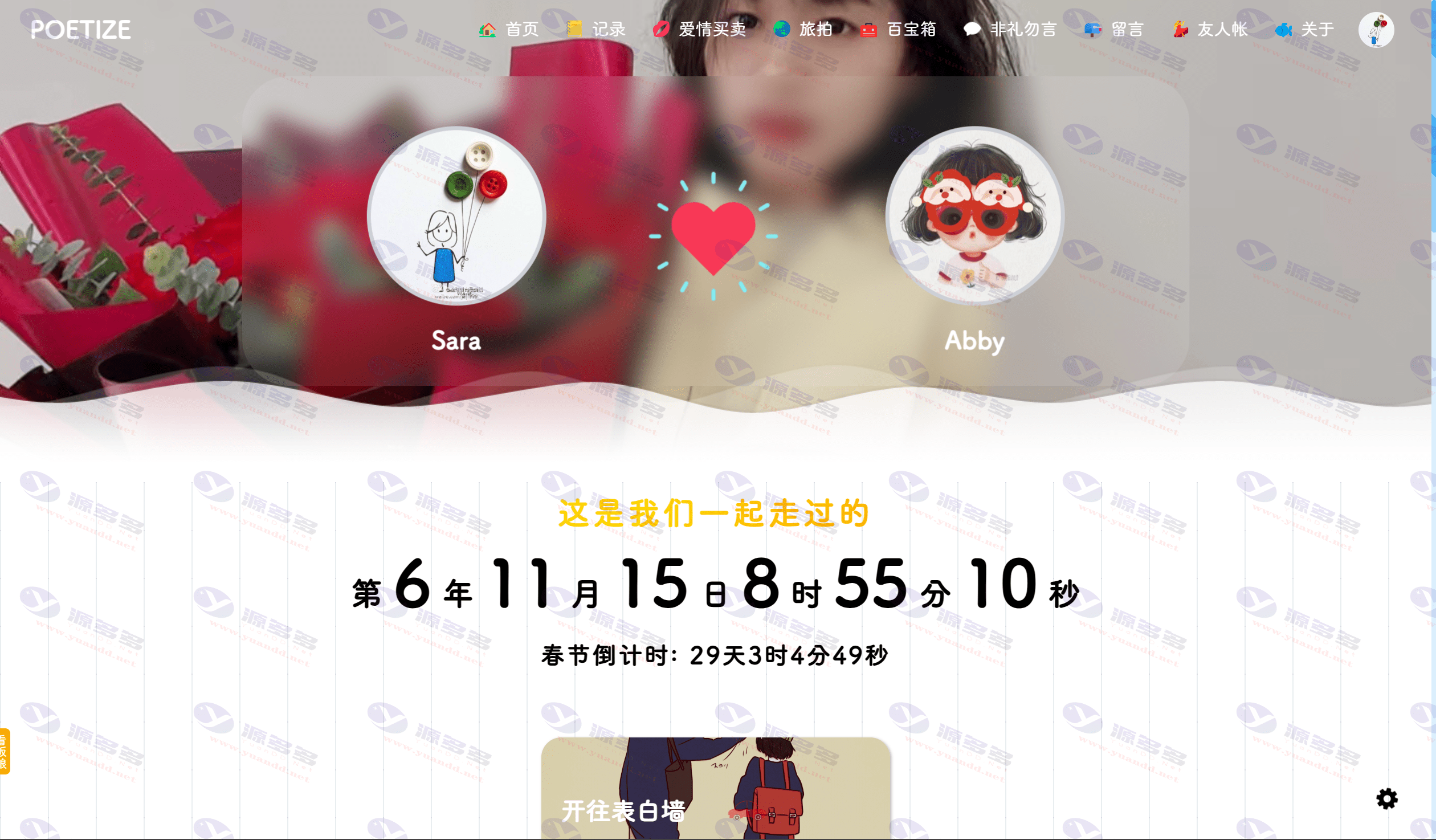
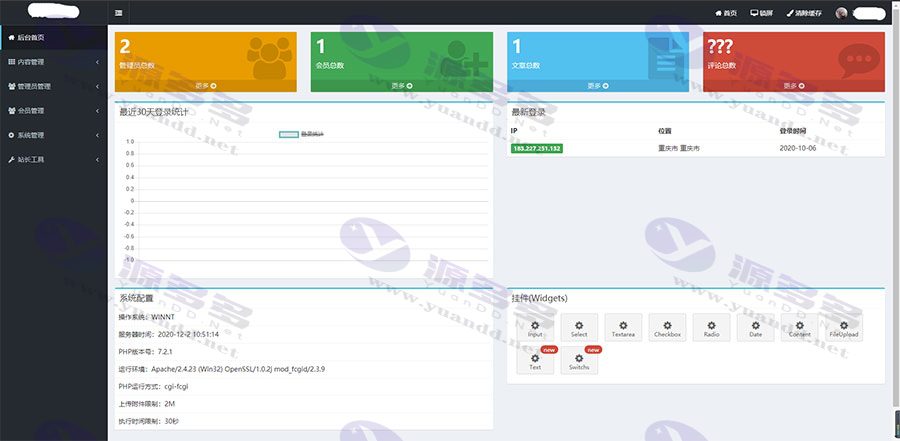
This set of source code provides a home page headline activity display function, support for image customization and its links and title settings, in addition to non-hierarchical directory design and has a directory of exclusive content as well as all the article cover settings. In addition, the review status of the article can be changed by yourself, and for the article and article management part, it has integrated Baidu UEditor to realize the text editing function. At the same time, we have also taken into account the cover image processing issues, providing automatic scaling and cropping functions for a more beautiful form of display. Administrators can set up super administrator and add administrators, as well as assign appropriate directory permissions. In addition, password change and other modules are also introduced in detail and the use of tag technology to facilitate the development of front-end templates to show that the annotation technology to facilitate secondary development.
Photo Gallery:
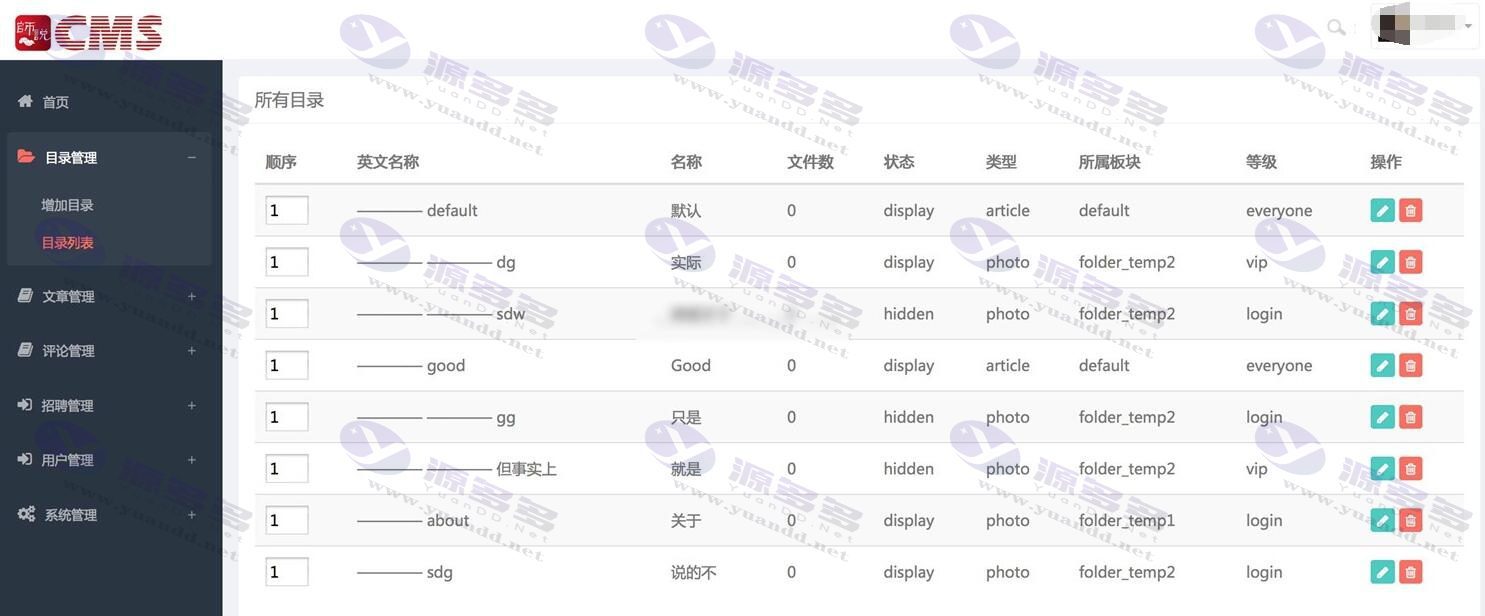
Installation and usage instructions:
Development tool requirements:
First of all, the necessary eclipse, jdk7 and other basic development environment; followed by the implementation of git project cloning, you need to manually download the Eclipse IDE for Java EE Developers and import the project; next, use Git to clone the project, according to the prompts can be operated; finally, according to the settings to create a good database and configure the production environment required values to complete the online deployment.
The development steps are as follows:
1. First get eclipse and download the java7 version;
2. Get git and import the CMS into Eclipse.;
3. Starting from File -> Import, select Git -> Project from Git to clone;
4. Place http://git.oschina.net/shishuo/CMS.git加入URI中进行手动下载jar包;
5. Create /sql/install.sql database for data preparation;
6. Copy the file /src/main/resources/shishuocms.properties to the / directory;
7. Change the database connection information, user name and password in shishuocms.properties to the corresponding values in the production environment;
8. Execute the mvn package command to generate the /dist folder as the production environment directory.


- Can free downloads or VIP member-only resources be commercialized directly?
- The resources on this site are collected and organized through the network, for personal research and study purposes only. The copyright belongs to the legal owner of the software and program code, users should verify the copyright and legality of the resources, prohibited for commercial use, illegal activities or any violation of national laws and regulations.
- Disclaimer of liability for program or code bugs, compatibility issues or functional defects, etc.
- As the resources on this site are collected and organized through the network, not the site's original, it can not fully guarantee its functionality or code compatibility. Users need to verify whether the resources meet the needs of their own, due to the following circumstances lead to losses, this site does not assume any responsibility:
Programs, source code and other computer software resources may contain code vulnerabilities (bugs), compatibility issues or functional defects left by the developer. This site does not provide free repair services for such technical defects, users need to bear the risk of debugging, modification or abandonment of the use.